 Preslav Rachev
Bear Notes is one of those apps I have happily paid for for ages, and I’d be happy to do so in the years to come. Even though it’s been trying to catch up with other note-taking apps on features lately, the core of Bear is surprisingly barebones. It is, first and foremost, a native Markdown editor with tagging and code highlighting support. Everything else comes second.
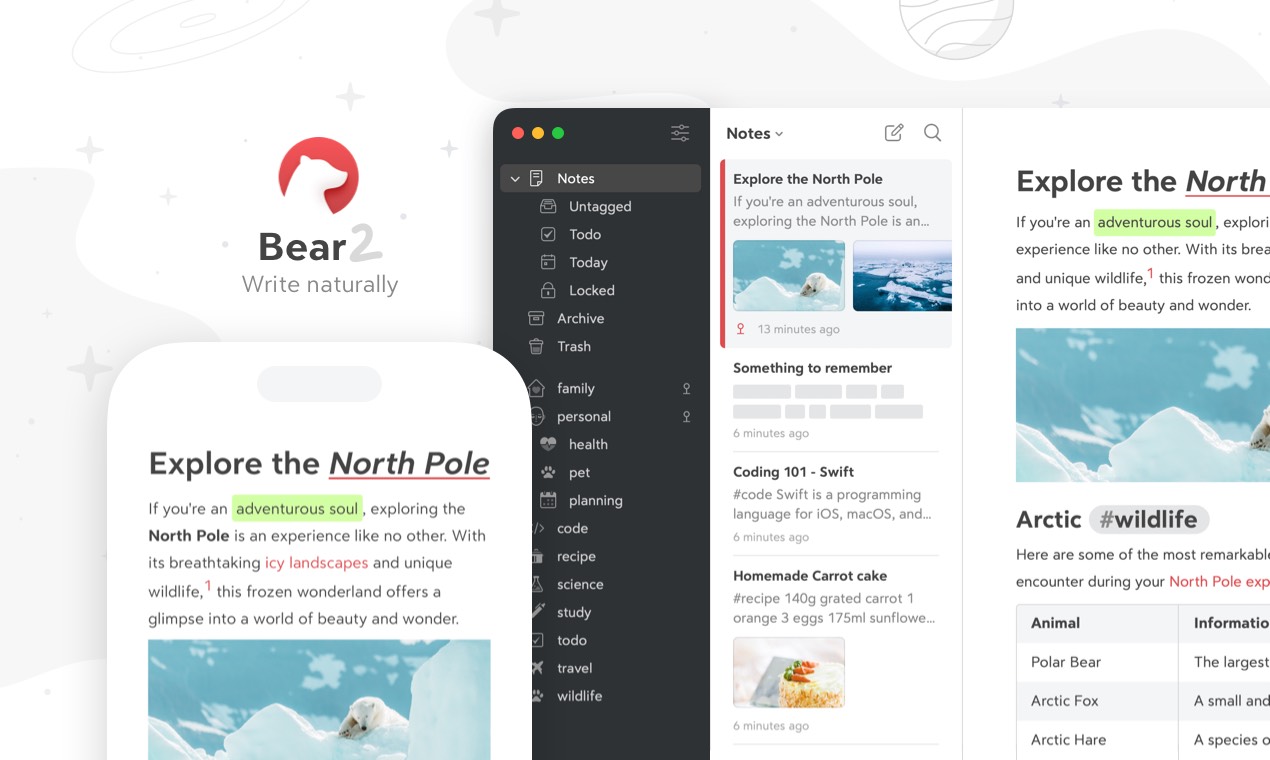
Bear
Bear is a beautiful, powerfully simple Markdown note taking app to capture, write, and organize your life.
This is how Apple Notes used to feel back in the day. Sadly, it has turned into a multimedia-heavy behemoth that I rarely open these days. What used to be a simple scratchpad for people to dump someone’s phone number or a random password onto, now does OCR, searches through your images and handwriting, calculates math equations, and a gazillion other things, I’m not sure anyone has actually thought of. Like most other default apps, Notes has been rethought to be ever-present and integrate with every corner of the Apple ecosystem. The result, at least for me, is an app that feels considerably heavier than the scratchpad it used to be. The best example is syncing. Every time I open Apple Notes on a new device, I half-expect it to stall while indexing. Sometimes it takes days for all my notes and documents to appear. Some never do. Others arrive with content missing because it was created by a newer, unsupported version of the app. It’s a mess.
Bear, in contrast, is instantaneous. If an idea pops in my mind, the time it takes to write it down matters a ton. Having Bear installed on all my devices, I can just jot it down, and it appears everywhere within seconds. For the same reason, I often use Bear as a sort of persistent clipboard. Whether it’s a quote I found online, or some log output from one of my services, I just paste and tag it for later use.
If you have used any of those faux-desktop, Chrome-based apps to write your notes, you’ll quickly notice the difference. A native app like Bear is quicker by a few orders of magnitude. And, we all know how important that is in today’s attention-deprived world.
The longer you use a note-taking app, the more you will come to praise its consistency. Some people have thousands of notes stretching back a decade. You don’t want to periodically reorganize your second brain because its software has decided to reinvent itself. A note I wrote years ago should feel just as at home in Bear as one I wrote this morning. Good notes should outlive software trends.
While every other tool went for the productivity hub trend, Bear’s simplicity has endured. The team has brought in some productivity features, such as todos, tables, links and back-links, but gradually, over time, and they are not front-and-center. The same goes for AI. Now that suddenly everyone wants to pollute your experience with an all-knowing chatbot, the Bear Notes team has instead opted to go for an integration with existing desktop tools, such as OpenAI’s Codex or Claude Code. you are still able to get insights on your notes if you want to, without that hitting your face, every time you opened the app.
That’s why Bear Notes is still worth paying for every year. It does its job quickly, reliably, and without constantly trying to redefine what that job is. I’ve accumulated years of notes in it, and the oldest ones still feel as at home as something I wrote this morning.

Want to explore instead? Fly with the time capsule 🛸